


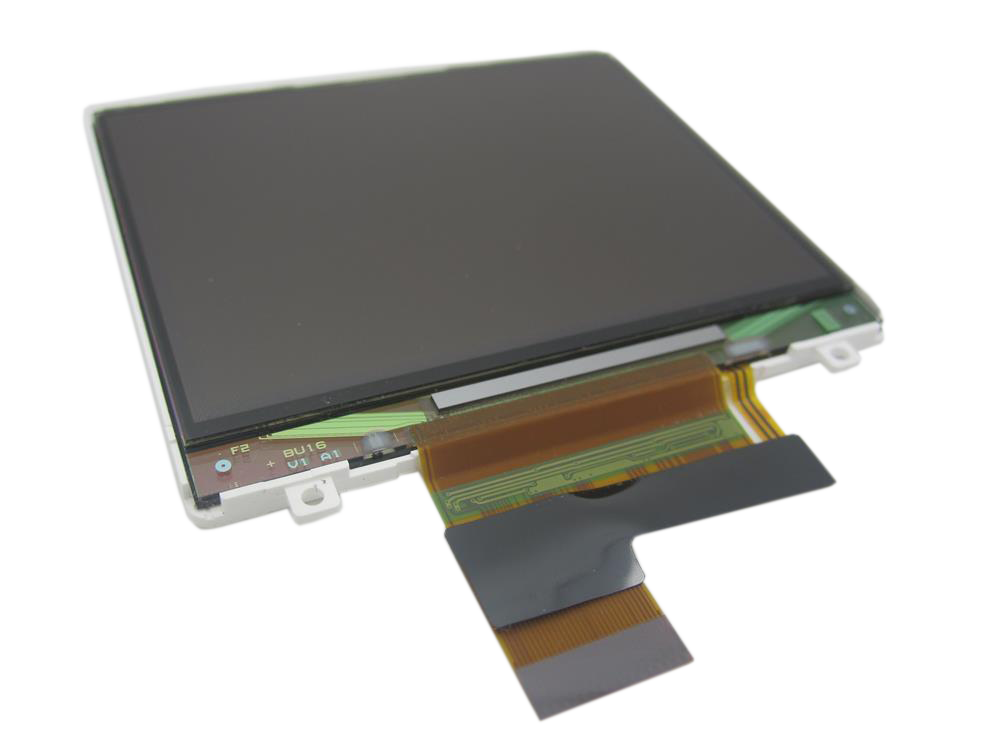
Representative photo. Pick the exact part beside it.
iPod Video 5th Gen LCD Screen Replacement
Model A1136
From $105.95
Which screen?
Signs the screen is done on the iPod Video 5th Gen
White screen
A white picture, black lines, dead pixels or ink-like spots while the iPod still works most likely mean the screen (LCD) itself is damaged, often after a drop or pressure on the front; an ink-like spot can spread over time. A new screen fixes it. Lines that move or change when you press on the iPod most likely mean a faulty or loose screen cable. A white screen with the backlight on, no picture and no visible damage to the LCD can be a loose LCD cable.
Black screen
If the iPod still plays music or shows up on a computer but the screen stays dark, the screen has failed or is not properly connected to the logic board.
Backlight not working
The backlight lights the screen from behind. When it fails, the picture is still there but very dark: you can just see it in bright light. On this iPod the backlight is part of the screen, so a new screen fixes it.
Buy the screen with a free pry tool, or mail your iPod in and we fit it: most repairs are finished within 3 to 5 business days, with a 1-year limited warranty.
Screen help for the iPod Video 5th Gen
Signs the screen is done
-
Cracked or shattered
A broken LCD under an intact window, or a display that shows ink blots where it was hit.
-
White, blank or backlight only
The backlight comes on but nothing is drawn, or the screen stays white after the Apple logo.
-
Lines, dead pixels, bleeding
Vertical or horizontal lines, dark patches that spread, or a corner that has gone dim.
Free diagnostic
Broken iPod? We can help.
Mail us your iPod and we will test it and send you a free repair quote. If you don't like our price, we will ship your iPod back at our expense.
How mail-in repair works
Order the free diagnostic
Choose your iPod. Add our shipping box and prepaid label if you need one.
Mail us your iPod
Pack it with your work order. No printer? Put a note in the box with your name, return address, email, order number and what is wrong.
Approve your quote
We test it and email your free repair quote. Most repairs are finished within 3 to 5 business days after you approve the quote.