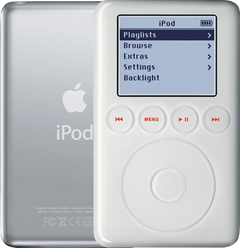
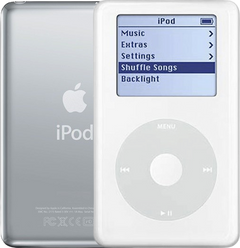
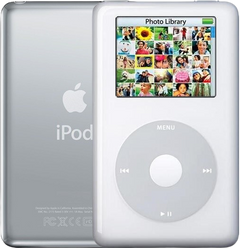
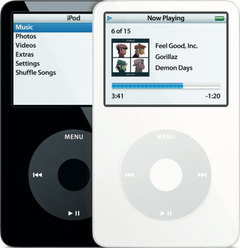
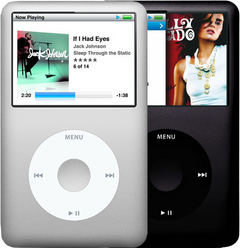
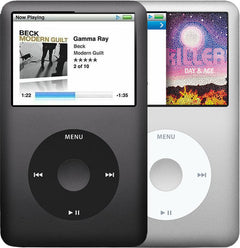
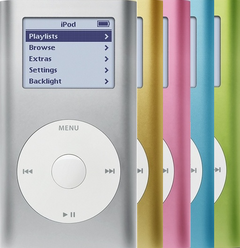

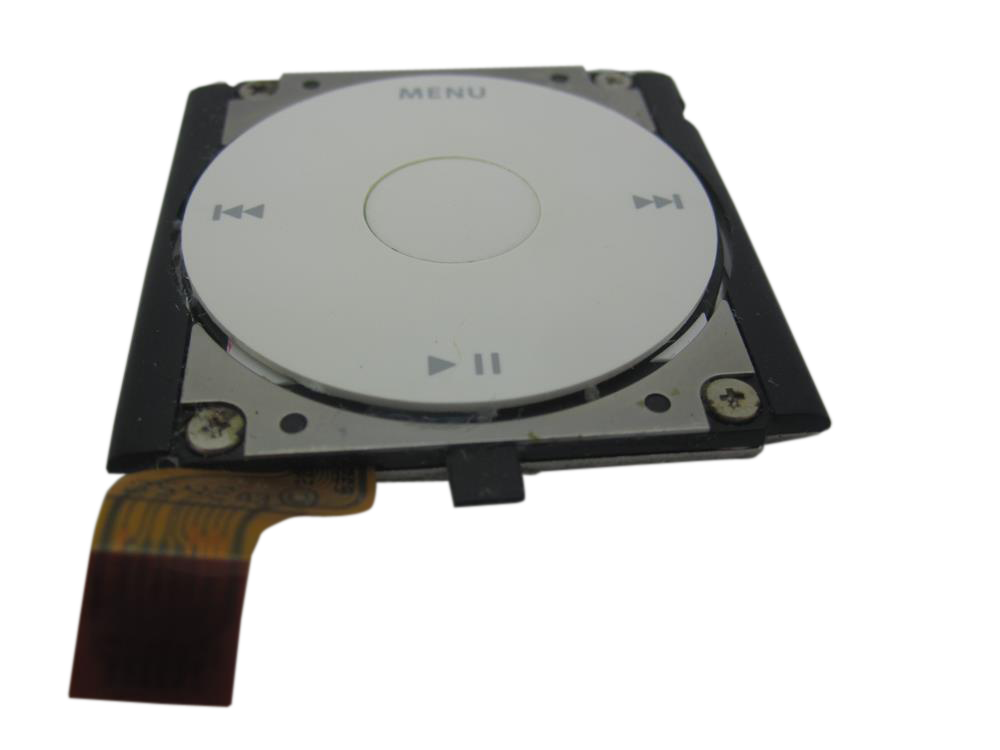
Representative photo. Pick the exact part beside it.
iPod Mini 2nd Gen Click Wheel Replacement
Model A1051
From $105.95
Which click wheel?
Signs the click wheel is done on the iPod Mini 2nd Gen
Buttons not working
Menu, Play/Pause, Next and Previous are part of the click wheel. When the wheel or one or more of these buttons stop working, a new click wheel is the usual fix. The Mini 1st and 2nd Gen click wheels look the same but don't swap: order the one for your model.
Center button not working
On the 4th Gen, Photo and Mini the center button's switch is part of the click wheel assembly, so a center button that fails on its own usually needs a new click wheel. The Mini 1st and 2nd Gen click wheels look the same but don't swap: order the one for your model.
Center button stuck
If the click wheel itself is broken, the center button can stick, and the click wheel needs replacing. The Mini 1st and 2nd Gen click wheels look the same but don't swap: order the one for your model.
Buy the click wheel with a free pry tool, or mail your iPod in and we fit it: typically 3–5 business days on our bench, with a 1-year limited warranty.
Click wheel help for the iPod Mini 2nd Gen
Signs the click wheel is done
-
Doesn’t scroll, or skips
The wheel ignores your thumb, jumps several items at once, or only works in one direction.
-
Center button stuck or dead
Often not the wheel: on the iPod Video it is most often the small rubber dome under the button (re-seat it, no new part); on the 6th/7th Gen, reset it (Menu + Center), then the logic board; on the 4th Gen and Photo, check for a swollen battery first; on the mini, nudge the wheel back into line with the housing.
-
Worn, cracked or discolored
The surface is polished smooth, the labels are gone, or you simply want a factory or custom color.
Free diagnostic
Broken iPod? We can help.
Mail us your iPod and we will test it and send you a free repair quote. If you don't like our price, we will ship your iPod back at our expense.
How mail-in repair works
Order the free diagnostic
Choose your iPod. Add our shipping box and prepaid label if you need one.
Mail us your iPod
Pack it with your work order. No printer? Put a note in the box with your name, return address, email, order number and what is wrong.
Approve your quote
We test it and email your free repair quote. Most repairs are finished within 3 to 5 business days after you approve the quote.