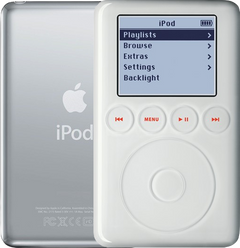
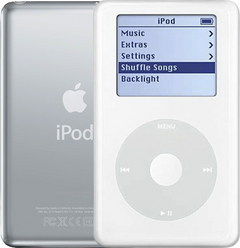
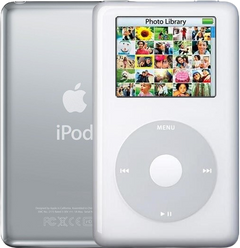
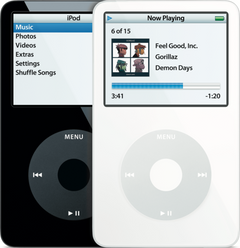
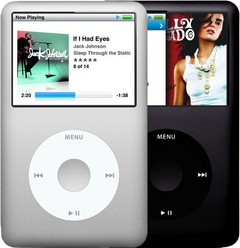

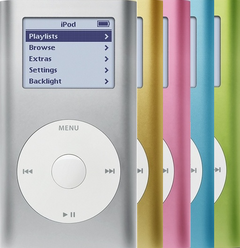

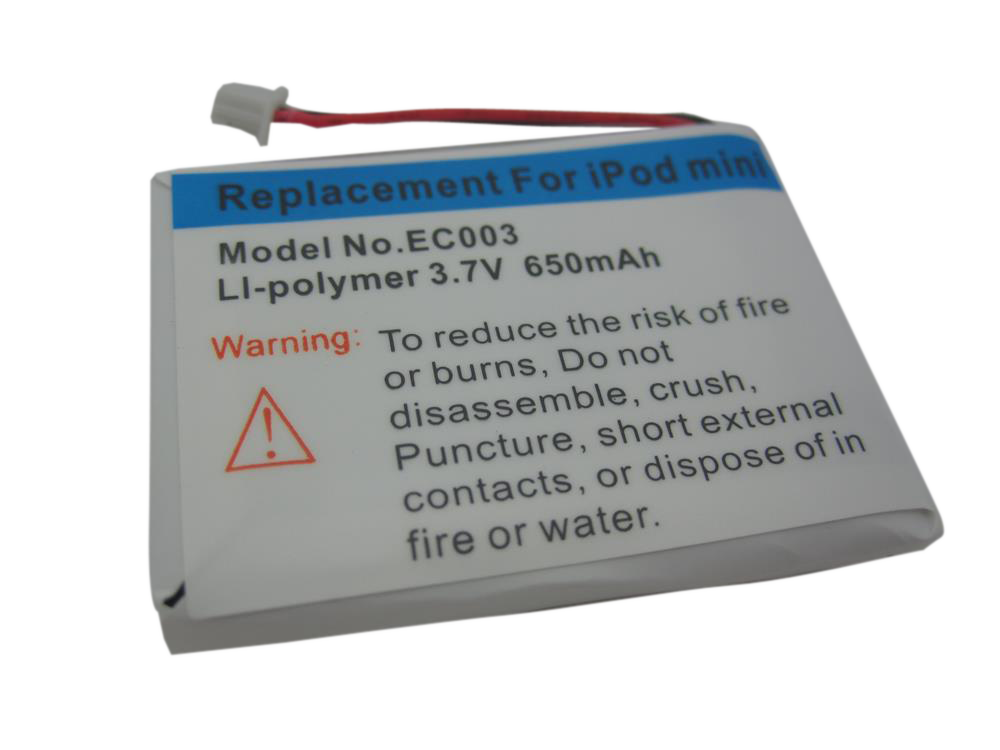
Representative photo. Pick the exact part beside it.
iPod Mini 1st Gen Battery Replacement
Model A1051
From $12.95
Signs the battery is done on the iPod Mini 1st Gen
Won't hold a charge
An old battery wears out: it no longer takes or holds a full charge, empties fast, or dies as soon as you unplug it. A new battery is the usual fix.
Skipping songs
A worn battery cannot give the hard drive enough power to spin up, so the drive clicks and retries.
Swollen battery
A battery that swells is worn out and no longer safe, and the case almost never bulges, so a flat case doesn't rule it out. On the Mini it can press on the screen and leave pressure spots, which usually fade after a new battery. Stop charging it and replace the battery.
Buy the battery with a free pry tool, or mail your iPod in and we fit it: typically 1–3 business days on our bench, with a 1-year limited warranty.
Battery help for the iPod Mini 1st Gen
Signs the battery is done
-
Won’t charge, or dies off the charger
The iPod only runs while plugged in, shows the charging screen and nothing else, or shuts down the moment you unplug it: most often a worn battery, though the logic board can do this too (and on the 5th, 6th and 7th Gen a disconnected battery cable).
-
Drains fast — even sitting idle
A full charge no longer lasts an album, the meter drops in big steps, or the iPod is flat again after a few days in a drawer.
-
Swollen or pushing the case apart
On the iPod Video and iPod Classic the case can bulge at the top, and the screen can lift or show dark pressure marks. On the 4th Gen and iPod Photo it can push up under the click wheel, so the center button sits low or stops working. On the mini it shows as dark pressure spots on the screen. On the 3rd Gen, 4th Gen, Photo and mini the case rarely bulges, so a flat case does not rule it out. Stop charging it, don’t press on or puncture the pack, and replace it.
Free diagnostic
Broken iPod? We can help.
Mail us your iPod and we will test it and send you a free repair quote. If you don't like our price, we will ship your iPod back at our expense.
How mail-in repair works
Order the free diagnostic
Choose your iPod. Add our shipping box and prepaid label if you need one.
Mail us your iPod
Pack it with your work order. No printer? Put a note in the box with your name, return address, email, order number and what is wrong.
Approve your quote
We test it and email your free repair quote. Most repairs are finished within 1 to 3 business days after you approve the quote.